

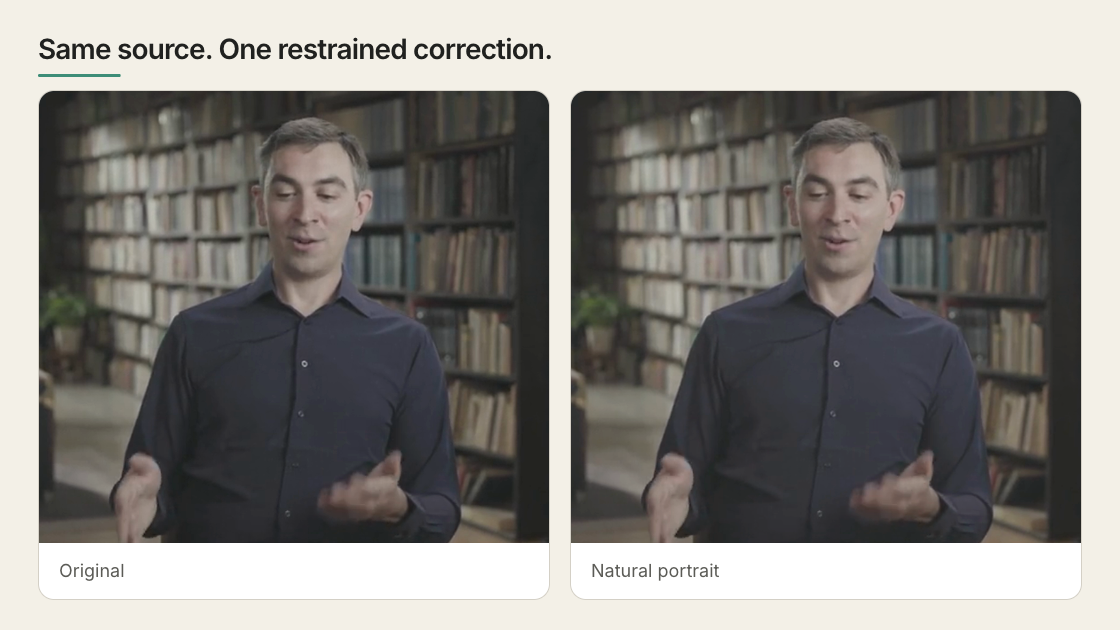
The same source before and after a restrained natural-portrait grade.
Correct first, then style
Get exposure, white balance, contrast and saturation believable first. Then shape the tonal ranges or a single color, then a preset or a LUT, then grain, vignette and film effects last. No preset rescues blown-out highlights, shadows with nothing left in them, or the wrong shot.Try it in Studio
Select an image or video — on the canvas, in Layers, or on the timeline — and open Grade in the Inspector. Start with a preset. There are thirteen, from Neutral and Clean Studio to Night Lift, and Studio renders each as a thumbnail of your frame rather than someone else’s sample. Strength dials the chosen look between nothing and full. Hold the compare button in the panel header to flash back to the original. On moving footage, scrub several places first — a grade that flatters one frame can wreck the next.What each control does
Read the scopes, not your screen
Scopes measure the picture live, so you are not guessing from a monitor that may be too bright. Studio draws four.- Histogram — how much of the frame is dark, mid, or bright. Piled against either end means detail is already gone.
- Waveform — brightness across the frame left to right, so you see which part is blown out.
- RGB parade — that waveform split into red, green and blue. One channel riding high is your color cast, named.
- Vectorscope — a circle of hues: direction is which color, distance from the centre is how saturated. Skin tones land on one known line, so faces are quick to check.
Compare candidate looks in one image
Instead of flipping between options, render them all onto one reference frame:--grades takes a JSON array of { label, grading } entries; --for takes an
image, or a video sampled at its first frame. The untouched frame leads as a cell
labelled original unless you pass --no-baseline. Up to sixteen cells land
four to a row in grade-compare.png, or wherever --out points. Swap --grades
for --luts looks/a.cube,looks/b.cube to compare LUT files the same way.
Or describe the problem to the agent
You do not need to name controls or invent values:--analyze reports the source’s color metadata, where its brightness sits, what
is clipping, and a bounded correction to start from. For source-sensitive prompts
and worked before-and-afters, see
Color grading and film effects.
Reuse a grade
Copy grade to applies the current grade to other media, in this file or across the project — a starting point, since the same numbers rarely suit two shots. Project-wide copy refuses a relative LUT path, because that path means something different from another composition’s folder; stay in the current file, or use a LUT reachable by URL or data URL.Use a LUT only when you know what it expects
A LUT is a lookup table: a file mapping every input color to an output color. HyperFrames reads a 3D.cube file up to 64 points per side and blends it in at
an intensity you set.
Nothing normalizes your footage first — HyperFrames does not identify camera
profiles or run an ACES or OCIO pipeline, the color-management systems film
finishing uses. The safe case is a creative Rec.709 LUT, built for ordinary web
and broadcast video, which is also the only color space these controls work in.
LOG footage, shot deliberately flat and grey so it holds detail for grading,
needs the transform its camera expects or comes out wrong rather than stylized.
Where the grade is stored
Studio and the CLI write the result intodata-color-grading, in named sections:
corrections under adjust, grain and vignette under details, stylized
treatments under effects.
{"exposure":0.15} renders
nothing at all; npx hyperframes lint catches it and names the section the
control belongs in.